Purrchiver 1.1 is here: broken archives, rescued for free
Purrchiver 1.1 is out on the Mac App Store 🎉 Most of it is about two kinds of file: an archive that won’t open because something happened to it on the way to you, and one in a format macOS doesn’t open at all.
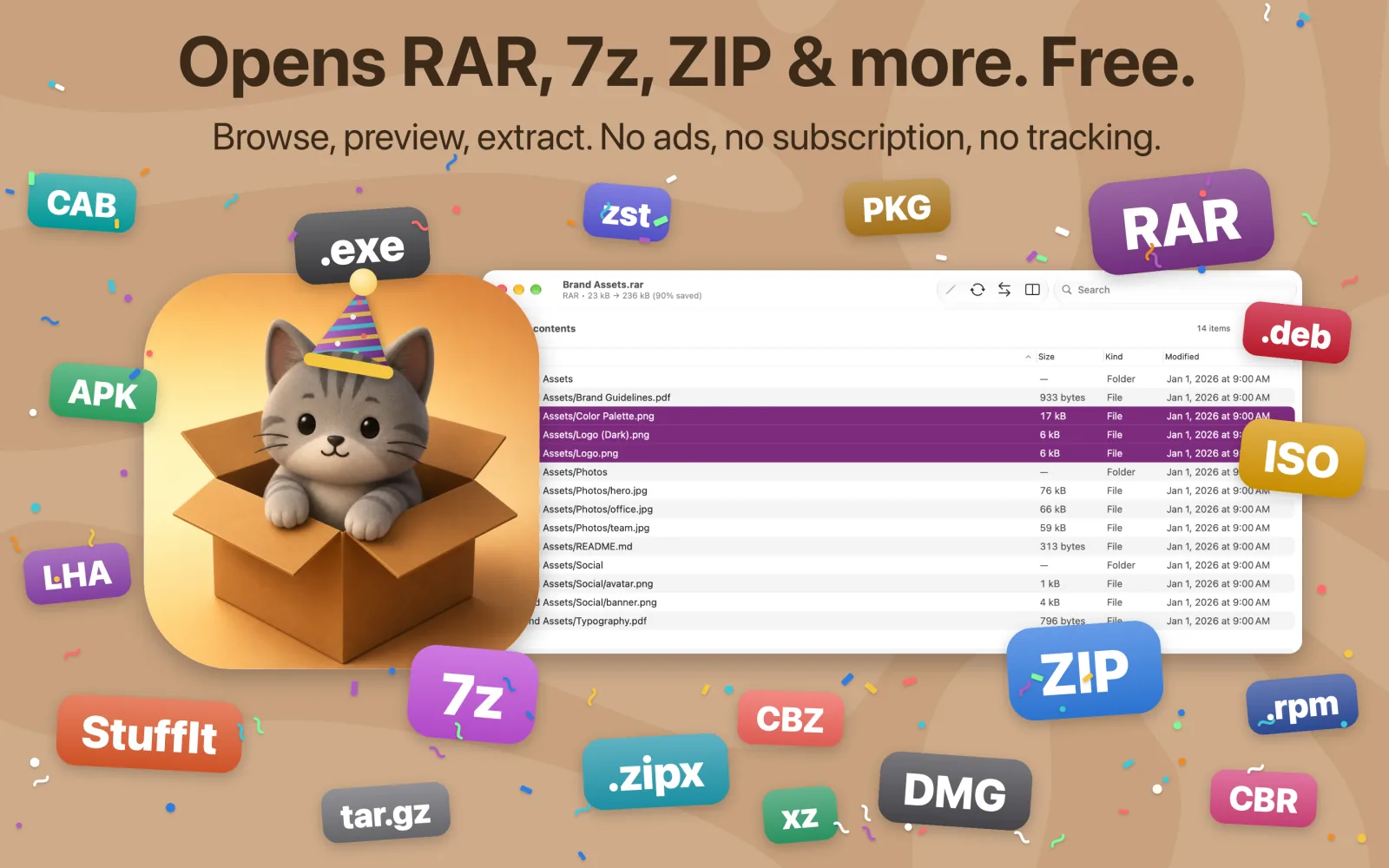
Recover damaged archives, free
When an archive won’t open because it’s damaged or only partly downloaded, Purrchiver now offers to recover whatever is still readable. Recovered files go into a new “(recovered)” folder, a file that only came back in part has “(incomplete)” added to its name, and a summary lists what happened to every file. The archive you started with is never changed.
Recovery goes further than reading up to the first error:
- It reads past damaged blocks in
.bz2,.xzand.zstfiles, past damaged tar headers, and past unreadable sectors on a failing drive. - It fixes a 7z whose start header was lost, and Save a Fixed Copy… turns a recovered ZIP into one other apps open. From a multi-part set with a part missing, it extracts every file that’s wholly in the parts you have.
- When a verify (⌘T, or Tools ▸ Verify Archive…) finds damage, it offers recovery right there.
It’s also in Tools ▸ Recover Damaged Archive… and as a Shortcuts action. How it works, and why a cut-off 7z gives back nothing at all, is in Recovering what’s readable from a damaged archive.
Repair from recovery data
Recovery gets back what’s left. Repair gets back the original, if the archive
came with recovery data and the damage isn’t more than it can cover. When a
.par2 file or RAR .rev volumes sit beside the archive, the same offer and
the same Tools item repair it instead, into an exact copy in a “(repaired)”
folder.
Repair is free, including PAR2 sets that cover several files, like every part of a big multi-part download. See Recovery data (PAR2).
Protect an archive you send
With the full unlock, the Create window’s Verify section can save two small files beside a new archive:
- A checksum file (
Photos.sha256) listing every file’s SHA-256. Anyone can check it withshasum -a 256 -c, which comes with every Mac. - Recovery data (
Photos.par2), about 5%, 10% or 20% of the archive’s size, so if it gets damaged later it can be repaired exactly. It’s standard PAR2, so any PAR2 tool can use it.
Presets remember both. Checking is free: Extract checks against a checksum
file beside the archive automatically, including a .sha256 published with a
download, and .md5, .sha1 and .sfv files. See
Checksums.
Opens more
- StuffIt
.sitand.sea(StuffIt 1.5 to 8.x), including files wrapped in BinHex, MacBinary or AppleSingle, with resource forks kept. StuffIt X (.sitx) doesn’t open; see StuffIt files. - WinZip
.zipx, split.zipxsets, and ZIPs that use Deflate64. See How to open a .zipx file. - Self-extracting
.exearchives, multi-part and password-protected ones too, opened as the ZIP, RAR, 7z or StuffIt archive inside. The program is never run. - Comic books (
.cbz,.cbr,.cb7,.cbt), and Outlook’swinmail.dat, with each attachment under its real name. See Open winmail.dat on a Mac. - Apple
.xipfiles open and extract,.pkgfiles list what they install, and the.cpgzArchive Utility leaves behind when it can’t open a ZIP opens too. - ZIPs over 4 GB made by Finder’s Compress, which most other tools can’t read, plus a fixed copy they can; file names from older Windows tools, in their original code page; and RAR5 archives with very large dictionaries.
Clearer answers
An unfinished browser download, a saved web page with an archive’s name, a file that’s all zeros, or one cut off just under 4 GB by a FAT32 drive now each gets a message that says what it is, instead of “damaged”. An iCloud file that isn’t on this Mac yet is downloaded first. A file whose name says one format but holds another opens as what it really is. And an archive whose own records disagree says so, rather than extracting quietly.
A wrong password and a damaged archive are told apart now, for 7z, Apple Encrypted Archives and encrypted disk images: a password that was right isn’t asked for again because the file is damaged, and a wrong one isn’t reported as damage. A full disk says the disk is full.
Create, edit and compare
- Edit more in place: rename entries, make folders, and save an entry you’ve opened in its app back into the archive. Part of the full unlock. Opening an entry in its app is free.
- Leave out junk and large files when you create an archive, and Generate a strong password, of random characters or words, when you encrypt.
- Archive each item separately (full unlock), and move the originals to the Trash once every archive is made and checked.
- Tools ▸ Split File… cuts any file into parts (full unlock), and Join Parts… puts them back together.
- ZIP and RAR comments show when you open one, and you can write a comment when you create a ZIP.
- Make a comic book (
.cbz) with the pages in reading order, and Share… an archive straight after you make it. - Tools ▸ Compare Archives… lists what was added, removed and changed between two archives, without extracting either. Part of the full unlock.
Shortcuts
Seven new actions: Recover Archive, Repair Archive, Check File Checksum and Verify Checksums are free; Compare Archives, Add Recovery Data and Generate Checksums are part of the full unlock. And Create Archive can now save straight to a folder, so a big archive never has to fit in memory.
Fixes
- Apps you extract stay valid. Before, some came out “damaged and can’t be
opened”. Extended attributes, Finder info and resource forks in an archive
are now put back when you extract or drag out, the way
dittodoes, and an archive’s own quarantine record is never copied. Convert keeps them too, unless Strip macOS metadata is on (it is by default for ZIP). If this hit you, see this page. - A damaged RAR with no password no longer asks for one, and password-protected RARs list and extract correctly. The bug underneath was in libarchive; here’s the story.
- If you bought the unlock, it’s there at launch even when your Mac is offline, and an Ask to Buy approval or Family Sharing grant unlocks straight away.
- Disk images: HFS+-compressed files now extract, and so do HFS+ images in today’s partition format, heavily fragmented files, hard links and symbolic links, with their permissions. A password-protected image no longer puts your password on a command line.
- Every file in 7z archives from some tools, including Python’s py7zr, now
extracts; decompressing a
.tar.gzgives you the whole.tar; and compressing or hashing a very large file no longer uses memory to match its size. - Settings ▸ General ▸ Extraction sets a fixed folder to extract to, when to make a new folder, whether to show the result in Finder, and whether to move an archive to the Trash after a clean extract. Batch extract asks for a password once and tries it on the rest.
- File names with accents, other alphabets or emoji can be written into 7z and tar archives. Before, they failed with “Can’t translate pathname”.
- Folders keep their dates and permissions in an archive you create or re-save, instead of coming out dated 1970 or 1980.
- Hard links in a tar extract as copies of what they point to, instead of as empty files.
- Multi-part sets named in capitals, like
SET.PART1.RARorSET.7Z.001, open as a set. - Cancel stops a Test or a Decrypt, and quitting while something is still running asks first, so nothing is left half-written.
- Decompress File… and Decrypt ask where to save when they can’t write
beside the original, and an Apple Encrypted Archive made by macOS’s
aaandaeatools opens. - Security: Purrchiver no longer hands data to lrzip, lzop or grzip if you
have one installed; a crafted entry name can no longer point outside
Purrchiver’s own folder when you drag it out; text-direction tricks in a file
name are shown instead of applied, so a name can’t hide that it’s an
.exe; decrypted files are staged in a private folder that Time Machine skips; and an encrypted ZIP now encrypts where a symbolic link points, which it used to store in plain text. libarchive is updated to 3.8.10 for its security fixes, UnRAR to 7.23, and Settings ▸ About lists every open-source license in full. - Accessibility: VoiceOver announces results and failures, and secondary and error text are easier to read (4.5:1 contrast).
- The crash reporter no longer crashes on a long report, and the “When I double-click an archive” setting now works when the archive is what launches Purrchiver.
There’s also Help ▸ Rate Purrchiver on the App Store…, and once, after you’ve used Purrchiver a while, macOS may ask for a rating. Never on launch, never mid-task, and never a second time.
Still the same deal
Purrchiver is still free to download, opens and extracts everything it supports for free, recovers and repairs damaged archives for free, and has one optional $9.99 unlock for the advanced features; here’s what’s free. No ads, no subscription, no tracking, and no network access at all. Update from the Mac App Store, or get it if you haven’t yet.
What’s the oldest archive you’ve kept that you still can’t open? 🐱