Train your own models with Create ML and use them in your app
Create ML trains small image and text models on your Mac, with no code and no cloud. Tested on macOS 27.2: how to train, test and ship one in an app.
Create ML is an app that comes with Xcode. You give it labeled examples, such as a folder of photos for each kind of flower, and it trains a Core ML model on your Mac, with no code, no account and nothing uploaded. The model is a file you drop into an Xcode project; your app then runs it on the device.
I tested this on a MacBook Pro with M2 Pro (16 GB) running macOS 27.2 and Xcode 27.1 (Create ML 6.2). I trained two models: one that tells five kinds of flower apart, and one that sorts customer support messages into five categories. Both trained in under a minute, and the files are tiny: 66 KB and 10 KB.
Train your own, or use Apple’s model?
macOS 27, iOS 27 and iPadOS 27 also have Apple’s on-device language model, which apps reach through the Foundation Models framework (see the fm command). The two do different jobs:
- Train your own when the job is a fixed set of answers you can show examples of: which of five categories, which kind of flower, is this spam. Your model learns exactly your labels, is a few kilobytes, answers in a fraction of a millisecond (my text model did) and runs on devices going back to iOS 12.
- Use Apple’s model when the job is open-ended language: summaries, rewriting, pulling details out of text, answering a question. There’s nothing to train, but it needs Apple Intelligence turned on, a recent device, and it takes about half a second per answer.
On the same 20 support messages, my 150-example text classifier got 18 right, and Apple’s on-device model 18 or 19, depending on how I asked (details).
What you need
- A Mac with Xcode installed (free from the Mac App Store). Create ML is inside it: Xcode › Open Developer Tool › Create ML.
- Training data: labeled examples. For an image classifier, a folder of photos per label; for text, a JSON or CSV file of text and label.
- I trained everything on the Mac. The models it made run on macOS, iOS, iPadOS, tvOS and visionOS, and the text model on watchOS too (from Create ML’s Output tab).
In this guide
- Train an image classifier in the Create ML app, with a public flower dataset.
- Train a text classifier from 150 example messages, and compare it with Apple’s model.
- Train from code with the
CreateMLframework, so training is repeatable. - Use the model in an app with Core ML, Vision and Natural Language.
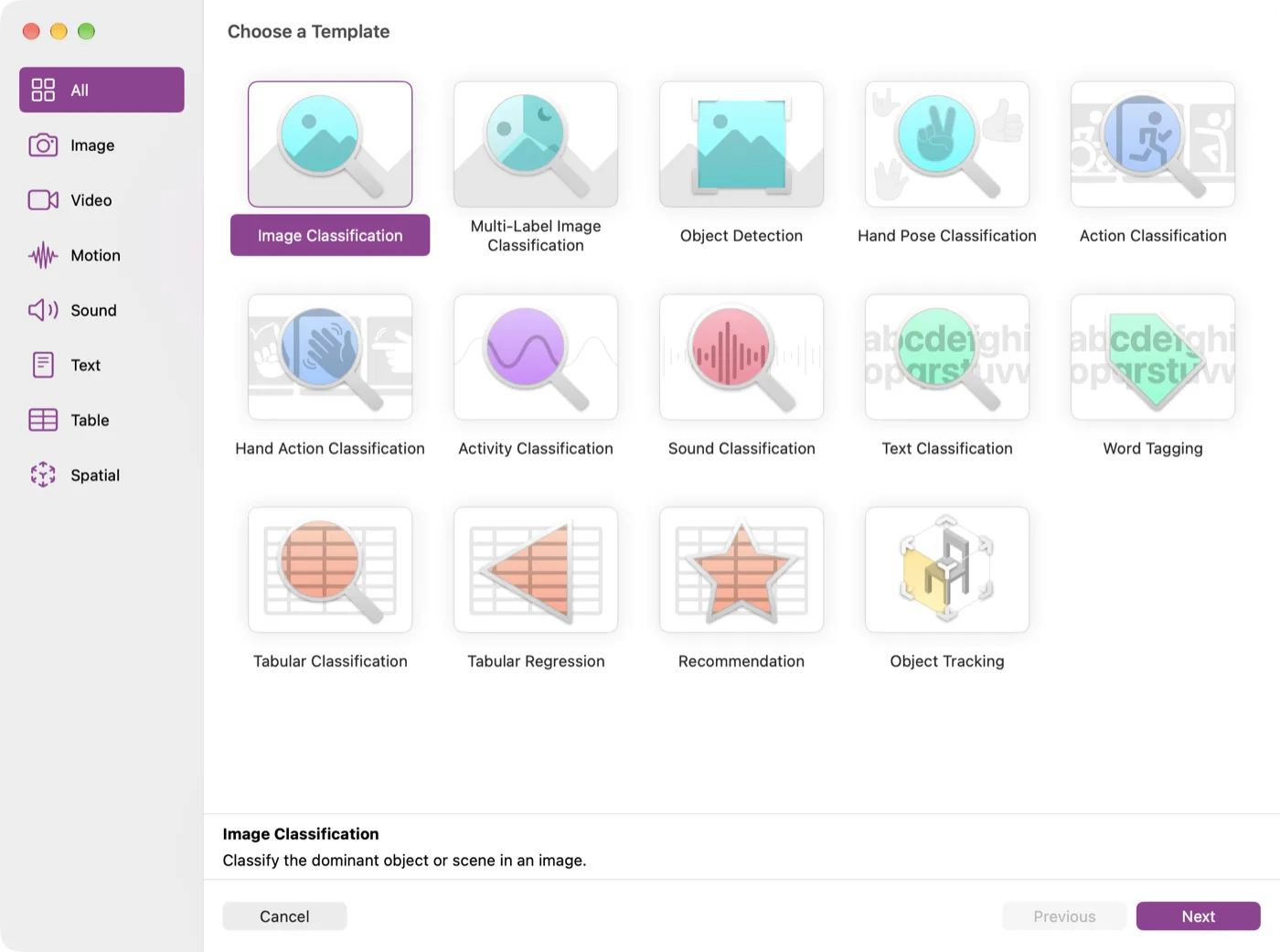
What I didn’t test: the other templates (object detection, sound, motion,
tabular and so on), converting models from PyTorch with Apple’s
coremltools, and running the image model on a real iPhone.