Train a text classifier in Create ML
A text classifier sorts text into labels you choose. I trained one to sort customer support messages into billing, bug, feature request, account and other, from 150 messages I wrote, 30 per label. It trained in about a second, is 10 KB, and got 18 of 20 new messages right.
Write the training data
I gave Create ML a JSON file: an array of objects with a text and a
label:
[
  {"text": "My card was billed for a plan I never signed up for.", "label": "billing"},
  {"text": "The app freezes when I open a large photo.", "label": "bug"},
  {"text": "Please add a way to tag notes with colors.", "label": "feature_request"},
  {"text": "I never received the verification email.", "label": "account"},
  {"text": "Where is your company headquartered?", "label": "other"}
]The test file has the same shape. Mine was 20 messages, four per label, that weren’t in the training file. Create ML warns when a set has fewer than 50 texts, and 150 is small: treat the result as a starting point.
Train it
- Create New Project…, pick Text Classification, name and save it.
- Training Data › Select… → the training JSON. Testing Data › Select… → the test JSON.
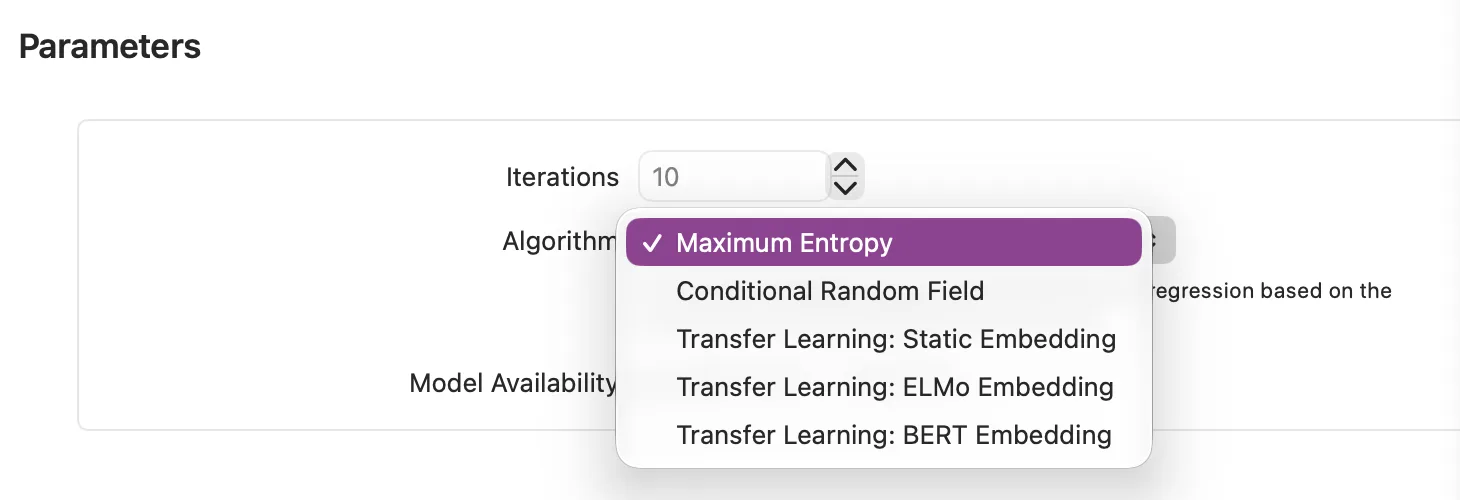
- Leave Algorithm on Maximum Entropy for now and click the play button.
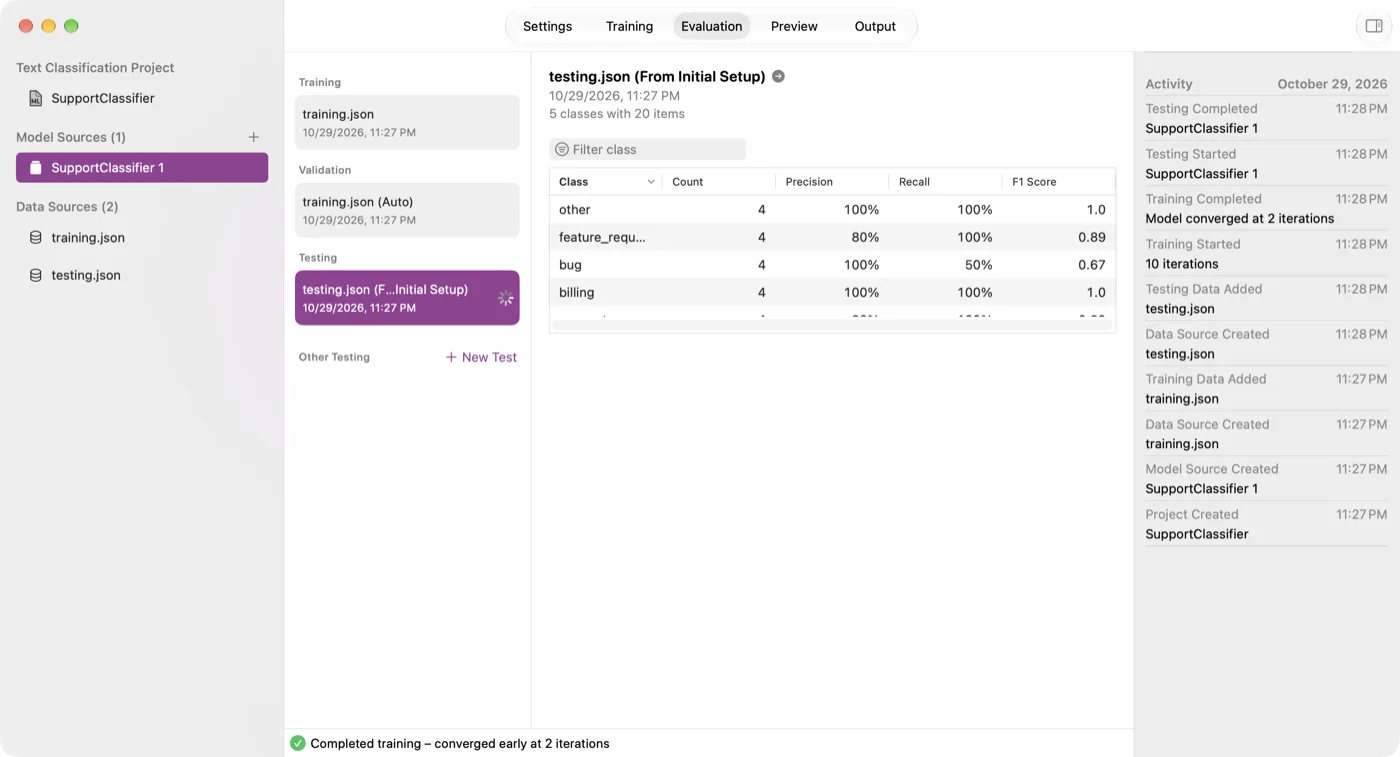
It finished in about a second. On the test messages it got 18 of 20: every billing, account, feature request and other message, and two of the four bugs.
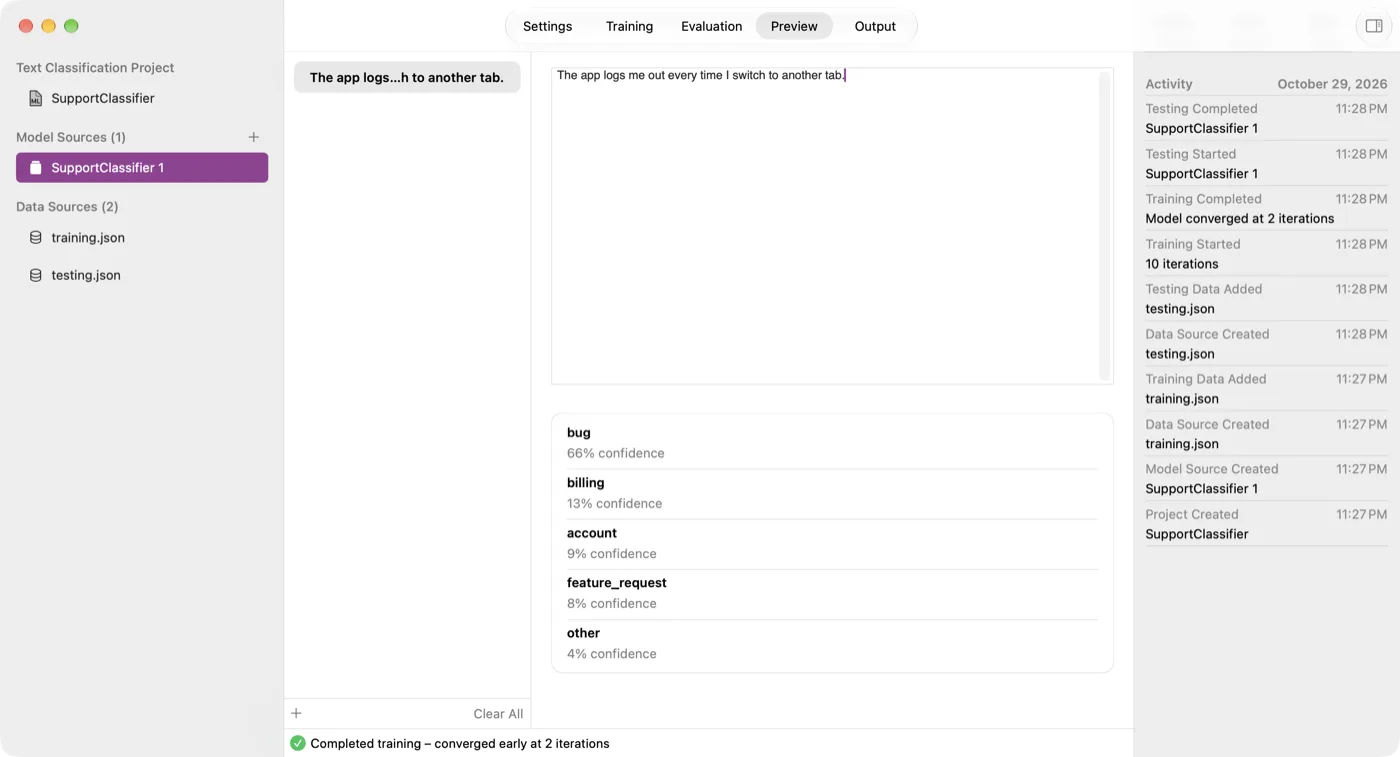
The Preview tab lets you type a message and see the score for each label.
Which algorithm?
Maximum Entropy learns which words go with which label. It’s fast and tiny, and works back to iOS 12. The Transfer Learning options start from a model that already knows the language. I tried BERT Embedding on the same data as a second model in the project: it trained in about 20 seconds, made a 1.4 MB model that needs macOS 14 or iOS 17, and got 16 of 20, worse than Maximum Entropy here. With more data it may do better; with 150 examples, the simple one won.
How it compares with Apple’s model
I’d already given the same 20 messages to Apple’s on-device language model for a blog post, asking it to pick one of the five categories. With the categories given as a schema, it got 18 of 20 in each of three runs (without one, 19). Its misses with the schema were different from my classifier’s:
| Message | Label | My classifier | Apple’s model |
|---|---|---|---|
| Clicking Save does nothing and my changes are lost. | bug | account | bug |
| Search returns no results even for items I know exist. | bug | feature request | bug |
| I can’t log in after resetting my password. | account | account | bug |
| Do you have any job openings for designers? | other | other | feature request |
The trained model answered in about 0.04 milliseconds per message on my
Mac; Apple’s model took about half a second, through the fm tool. Mine
only knows five labels and 150 examples; Apple’s needed no examples at
all, just the list of categories. If your labels change often, that
matters more than speed.