
Diagnostics and troubleshooting
Diagnostics
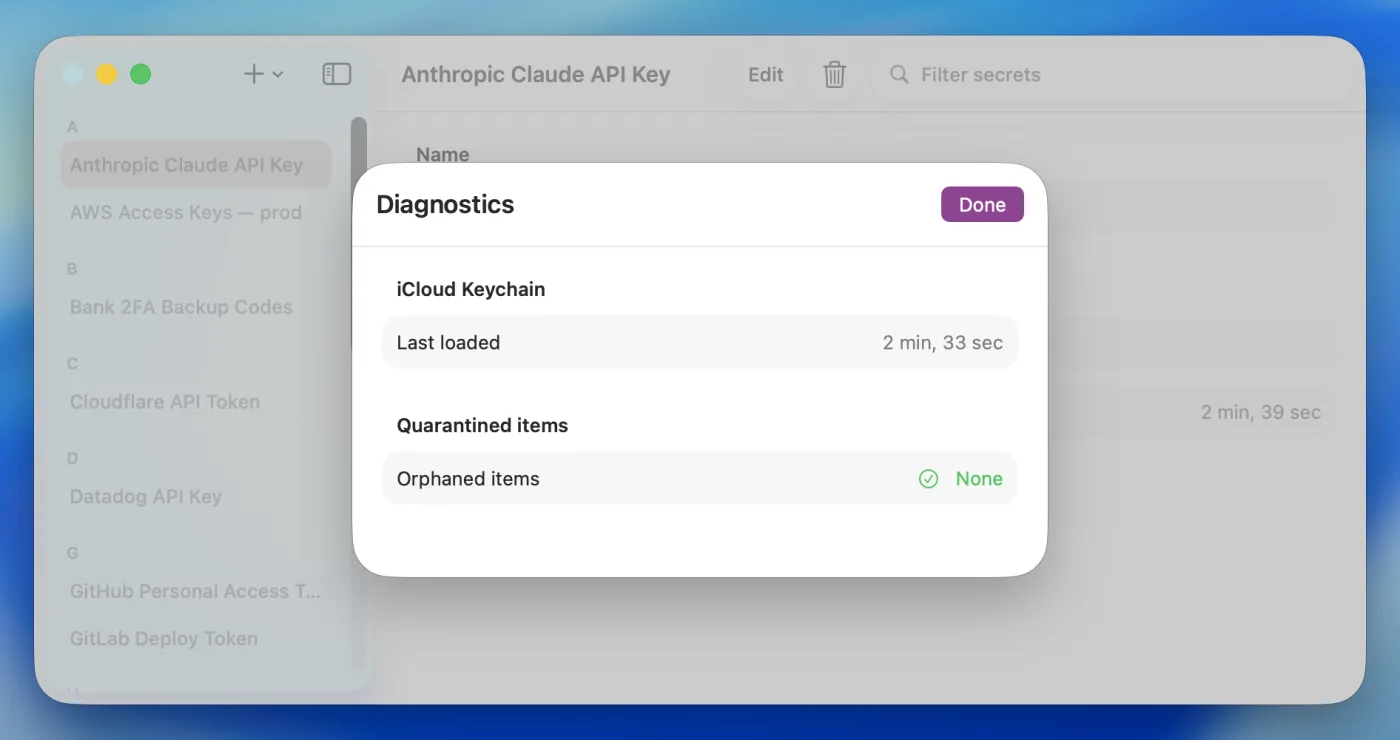
Open Diagnostics to see the iCloud Keychain status: on a Mac, choose Secret Store ▸ Diagnostics (⇧⌘D); on iPhone and iPad, tap ⋯ and choose Diagnostics.
- Secrets last changed — when the app last saw your secrets change, either from a local edit or a change synced from another device. (iCloud Keychain doesn’t expose a sync time, so this reflects the last change Secret Store observed.)
- Orphaned items — normally None. If an interrupted sync ever leaves a stray item, the count appears here (and in the menu as “Diagnostics (N to repair)”) so you can clean it up with Run Repair.
Common problems
Secrets aren’t syncing to another device? Make sure iCloud Keychain is turned on on both (on a Mac, System Settings ▸ your Apple Account ▸ iCloud ▸ Passwords & Keychain) and that both are signed into the same Apple Account. See Syncing across your devices.
Touch ID not recognizing you? Choose Use Password… in the unlock prompt and enter your Mac’s login password.
Face ID not recognizing you on iPhone or iPad? Use Enter Passcode in the prompt and enter your device passcode.
Looking for Unlock Unlimited or Restore Purchases? They’re gone: Secret Store is completely free from version 1.2, with no purchase and no limit on secrets.
Still need help?
Email corey@coreydaley.dev. Secret Store is made by one person, so your message reaches the developer directly.